English
 Azərbaycanca
 Türkçe
 Русский
 Español
1
Create your menu
Add items, prices, images, and categories from the panel.
Create a QR menu, accept orders, easily track kitchen and cashier processes. Everything in a simple panel, no extra apps needed.
No credit card required · Test in 5 minutes
Just 3 steps are enough to digitalize your restaurant.
Add items, prices, images, and categories from the panel.
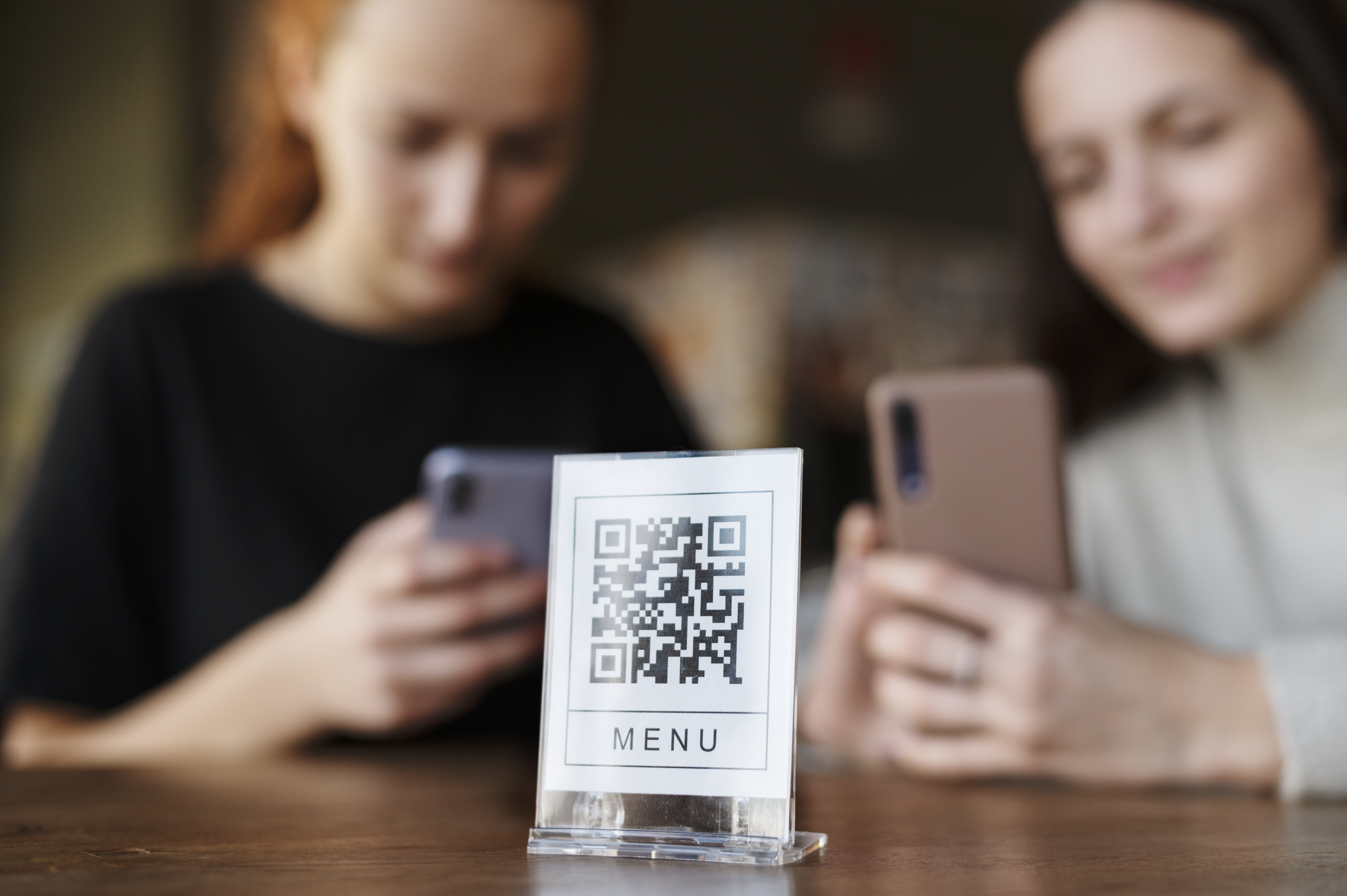
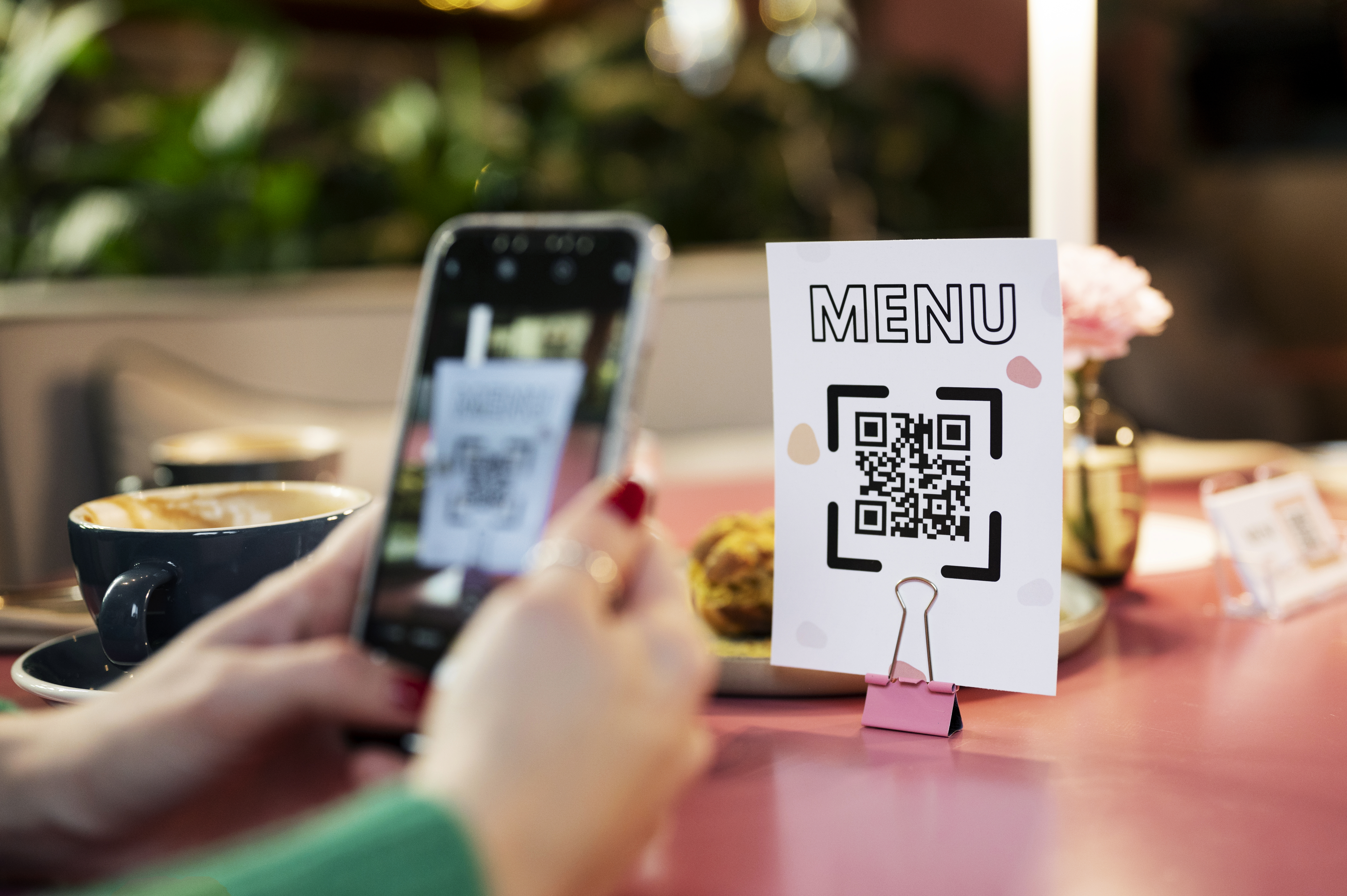
Download the ready QR code, print it, and place it on tables.
The customer views from their phone, sends the order, and you track the process from the panel.
Waiter, kitchen, customer and cashier work in the same system. Data is updated in the panel and the team sees the same workflow.
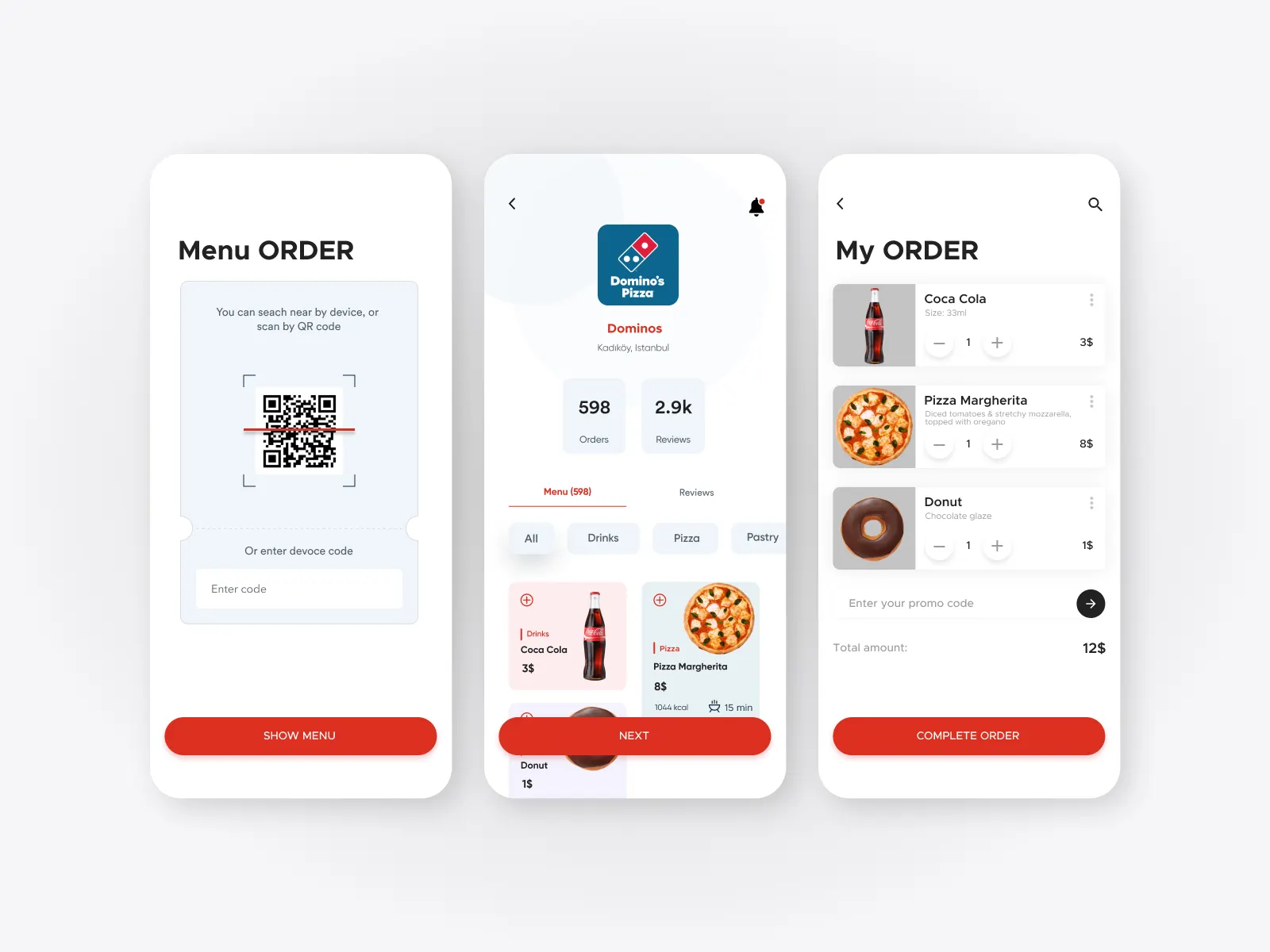
Accept the order from the table, check the items and pass it to the kitchen process with one touch.
New orders, preparation status and item details are visible in the same place on the KDS screen.
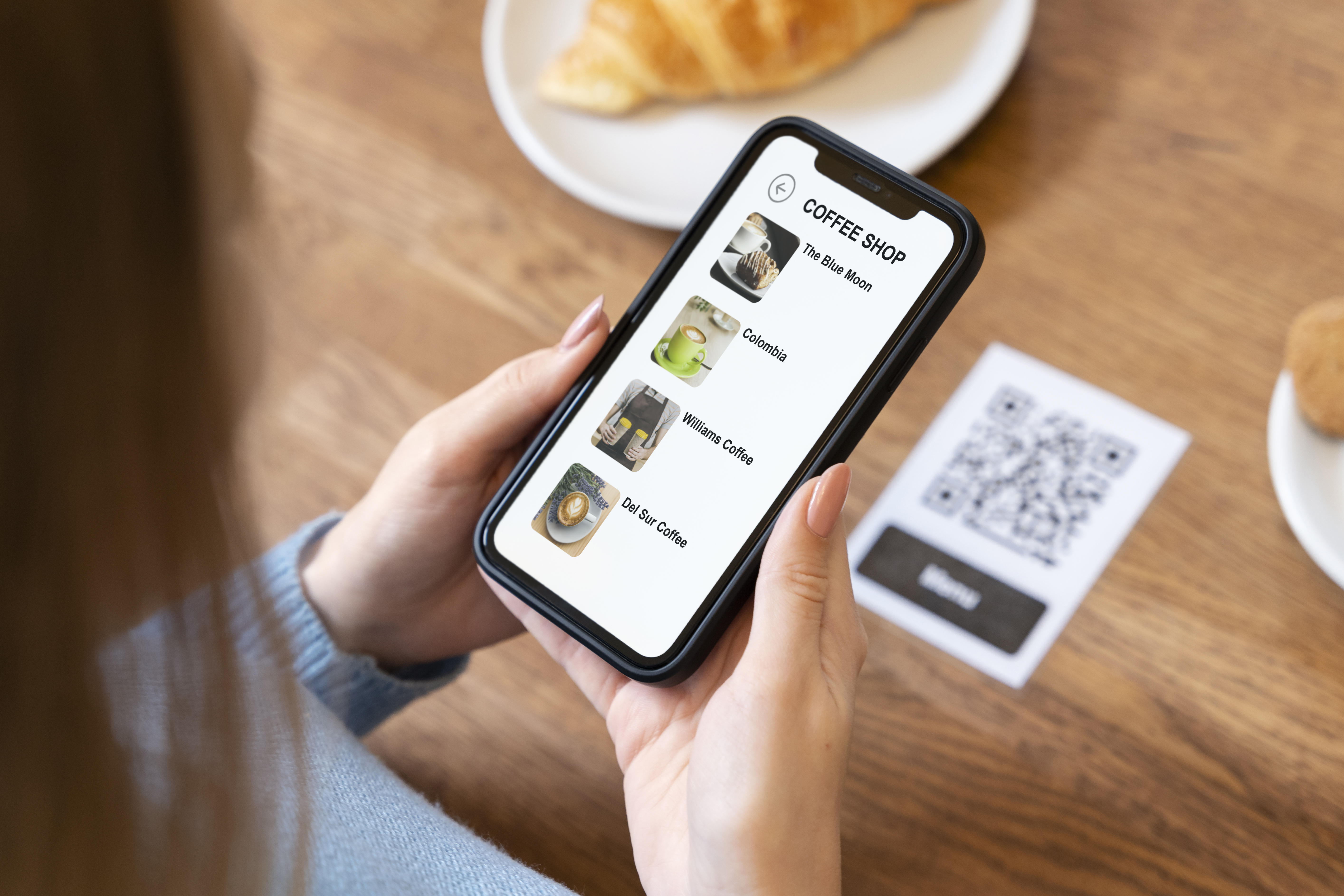
Scans the QR code without downloading an app, views the items and comfortably completes the ordering process.
Order, table and payment information are collected in the same panel so the team works without confusion.

Open your phone camera, scan the QR code and see how the menu works.
Start for free, switch to an unlimited plan when needed.
Suitable for testing
Technical support and system updates included.
“What I like most is its fast operation.”
Some of the businesses using QR Menu.
 Ay Qonşu
ENJOY YOUR BITE BEFORE THE FLIGHT
Ay Qonşu
ENJOY YOUR BITE BEFORE THE FLIGHT
 Piramida
Pub
Piramida
Pub
 Böyük İskəndər
Restoran
Böyük İskəndər
Restoran
 Hanzade Restaurant
HALALLIQLA XİDMƏTİNİZDƏYİK
Hanzade Restaurant
HALALLIQLA XİDMƏTİNİZDƏYİK
 CALİPSO
Restoran & Pub
CALİPSO
Restoran & Pub
 Çatı Lounge
 🍸 🎉
Çatı Lounge
Çatı Lounge 🍸 🎉
 Hanzade Restaurant Yasamal
HALALLIQLA XİDMƏTİNİZDƏYİK
Hanzade Restaurant Yasamal
HALALLIQLA XİDMƏTİNİZDƏYİK
 River Forest
Restoran
River Forest
Restoran
 Sky Cafe
🛫 🍸 🍴
Sky Cafe
🛫 🍸 🍴
 Chill Bar & Lounge
Restaurant and cafe
Chill Bar & Lounge
Restaurant and cafe
 Pivə Var
Beer Market
Pivə Var
Beer Market
 In Room Dining
Restaurant and cafe
In Room Dining
Restaurant and cafe
Short and practical materials about QR menu, ordering and management processes.
Digital QR Menu for Restaurants: Why is QR MENYU AZ the Best Choice? In the modern restaurant business, customer satisfa...
Continue ReadDigital QR Menu for Restaurants: Why is qrmenyu. az the Best Choice? In the era of digital transformation, abandoning tr...
ContinueShort answers to essential questions to get started with QR Menu.
No. The customer simply scans the QR code with their phone camera and accesses the menu in the browser.
Yes. You can update prices, images, items, and categories from the panel at any time.
No. Even if the menu changes, the same QR code will continue to work.
Yes. You can test the system with the free plan.
The POS system helps manage orders, tables, kitchen processes, and payments from a single panel.
Register in a few minutes, create your menu and test your QR code.